The operating system for
your dynasty

Get your data in three ways, track everything from one dashboard, recruit like a machine, and compete across seasons — whether you play solo or run a league of friends.

Three ways to load a season

Never hand-type a box score again. Bring your dynasty into DynastyDesk however you already track it.

  • Screenshot OCR — upload post-game screenshots and DynastyDesk reads passing, rushing, receiving, blocking, and defense automatically. Bulk-upload a backlog and it groups shots into games.
  • Spreadsheet import — drop in an Excel, CSV, or ODS workbook (every tab at once); we auto-match your columns and flag duplicates before saving.
  • Manual entry — a fast, clean form when you just want to type one thing.
  • Calibrated for College Football 26 and 27, with an optional AI-vision fallback for the trickiest fonts.
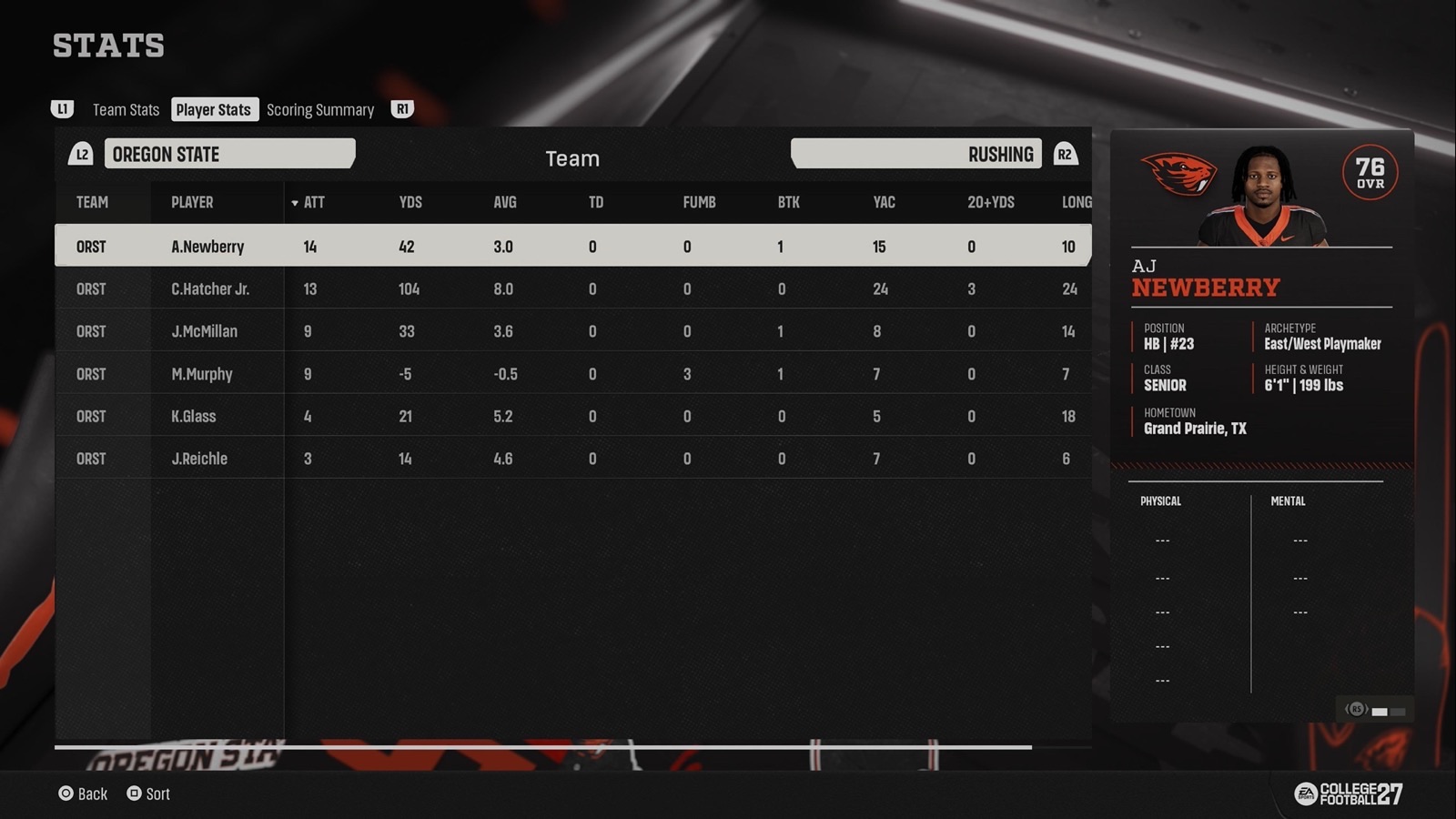
A College Football 27 post-game rushing stats screen — the kind of screenshot DynastyDesk reads automatically
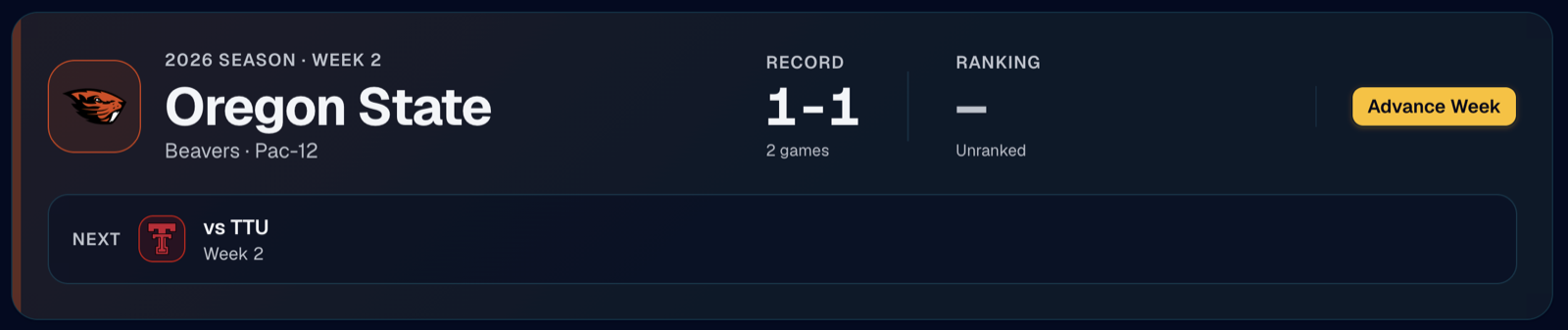
The DynastyDesk dashboard hero — team crest, record, ranking, and next game

One dashboard for the whole dynasty

Sign in with Discord, Google, or an email magic link — no password. Your dashboard opens with your team's crest and colors, record, AP ranking, and next game.

  • Standings & conferences with drag-and-drop realignment — staged for next season when you do it in the offseason.
  • Team & player stat leaderboards — top-8 bar charts in every team's brand color, with the full sortable table below.
  • Record book across National, conference, and school scopes for Season, Game, and Career, with best-chaser progress bars.
  • Coaching Staff — head coach and coordinator skill trees, with the whole staff's bonuses added up and grouped by when they actually pay off. Bonuses stack, so two Architects means Max Gains reads 800 XP, not 400. Coordinators get a hiring history and a season-over-season record of what they picked up.
  • Player Settings — set your gamertag and stream links per dynasty, and link your Discord account so the bot and the site know you're the same coach.
  • Fully mobile-friendly and installable to your phone's home screen.

Own the pipeline

From high-school targets to the transfer portal to future prospects, your whole recruiting operation lives in one place.

  • HS Board — stars, grade, position, dev trait, status, and the correct pitch via a 5×4 icon picker matching all 20 in-game pitches.
  • Transfer Portal — incoming and outgoing players; import departures from a "Players Leaving" screenshot.
  • Scouting Big Board — track prospects who signed elsewhere but may enter the portal later. Fill it by screenshotting each prospect's card and uploading them together. Entries age a class every rollover and get a flagged SR+ fifth year on the end, since the board can't see whether they redshirted.
  • One-shot class import from a College Football 27 "Top Classes Details" screenshot; class years advance automatically at rollover.
🎓HS board · portal · scouting
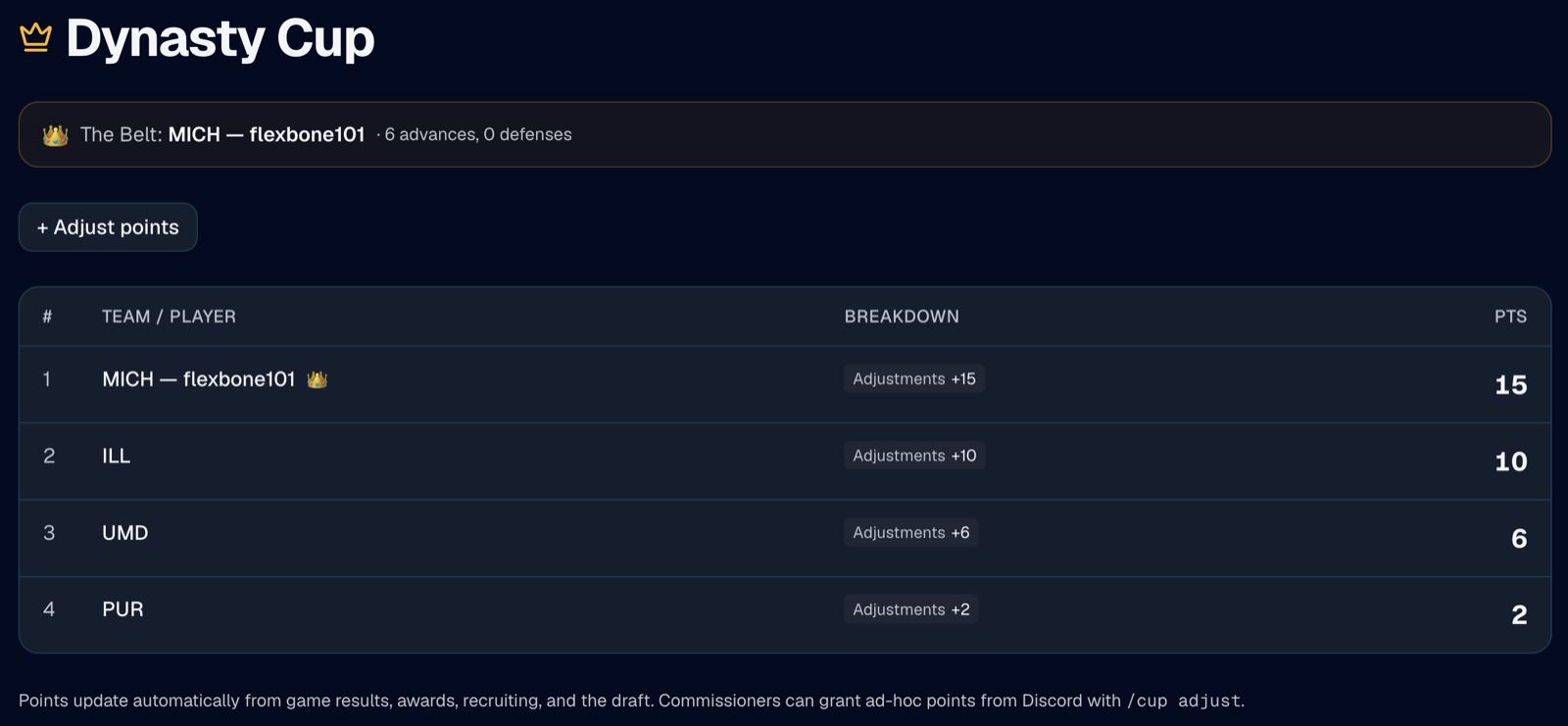
The Dynasty Cup cross-season points ladder, with the current Belt holder

Rivalries that span seasons

A national title can be years away. These keep every week meaningful in between.

  • Dynasty Cup — a cross-season points ladder. Coaches earn points automatically for head-to-head wins (ranked- and rival-win bonuses), bowl/conference/national titles, awards, top recruiting classes, and players drafted — with a full per-category breakdown.
  • The Belt — a dynasty-long championship one coach holds until they lose head-to-head. Configurable name and emoji, badged on the web ladder and the Discord board.
  • Trophy Case & Awards — Heisman, Biletnikoff, Outland and more, plus All-American and All-Conference selections badged next to player names.
  • Season History — every season your dynasty has played, with a Trophy Room counting each coach's national titles, conference titles and bowl wins. Written automatically at the end of each season; past seasons can be backfilled.
  • The Lounge — the week built around who's playing who. Head-to-head cards carry the all-time series between the two coaches, and a card for every coach shows record, form, streak, ready status, The Belt, and titles won.

The Discord bot runs the weekly loop

For leagues, the bot handles the busywork so the commish can just play.

  • Advance cadence — a fixed, drift-free schedule with auto or manual mode.
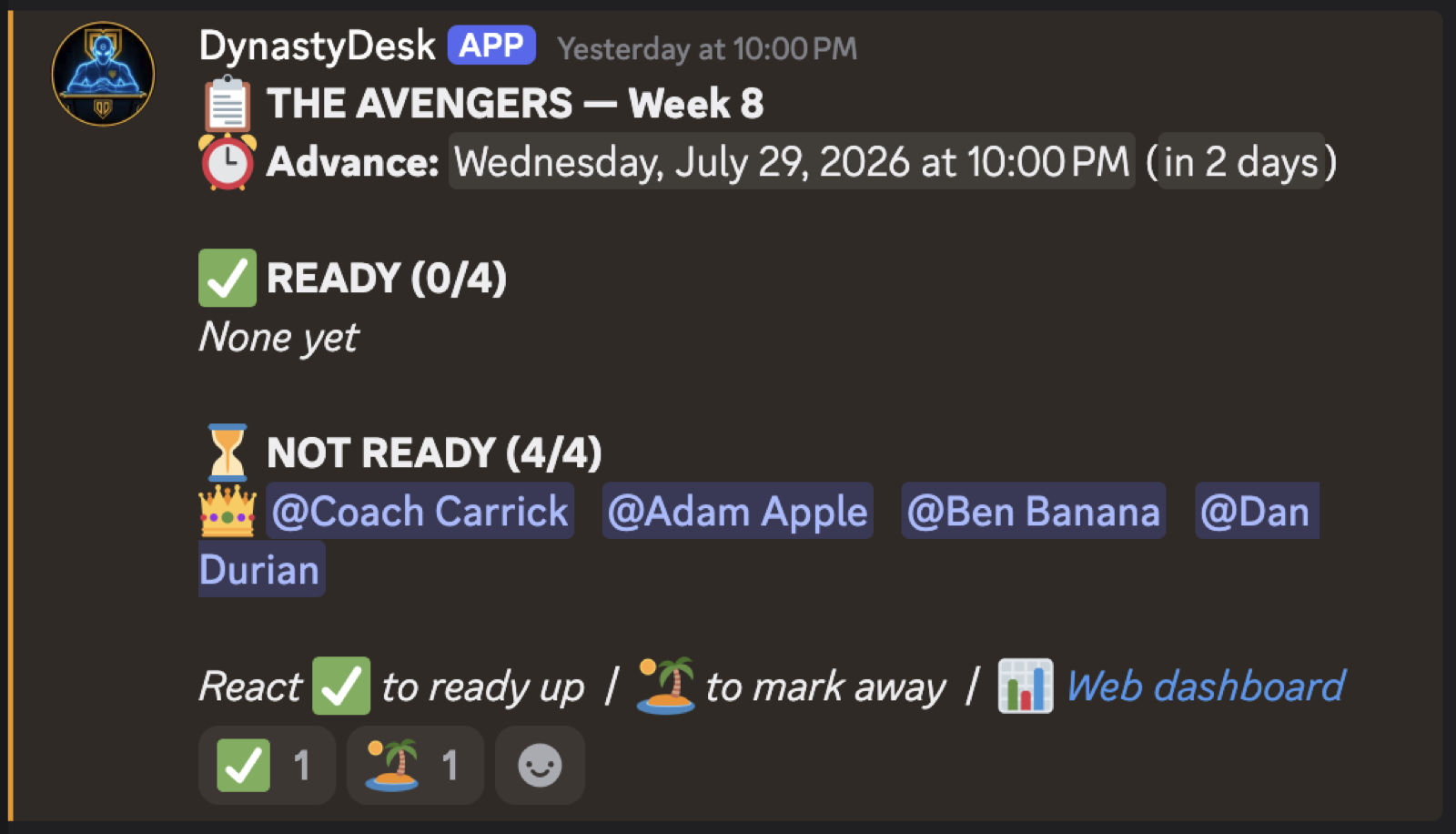
  • Live status board — members react ✅ / 🏝️ to ready up or go away; commishes see the full picture at a glance.
  • UvU matchup threads, CPU auto-threads, stream alerts, and post-game ready reminders.
  • Forfeit-win workflow and result confirmation with Confirm / Dispute buttons.
  • Full slash-command suite with autocomplete — see them all →
The DynastyDesk Discord status board — who's ready to advance the week

Ready to build a legacy?

Start a solo dynasty on the web in under a minute, or add the bot to your league's server.